Move to the minimal research workflow
Starting with 0.6.3, minimal is the only supported autonomous study workflow. Classical/MVP, DSH, structured and frontier launch routes are removed. This is a breaking change; it does not convert existing scientific records.
Start or continue a minimal study
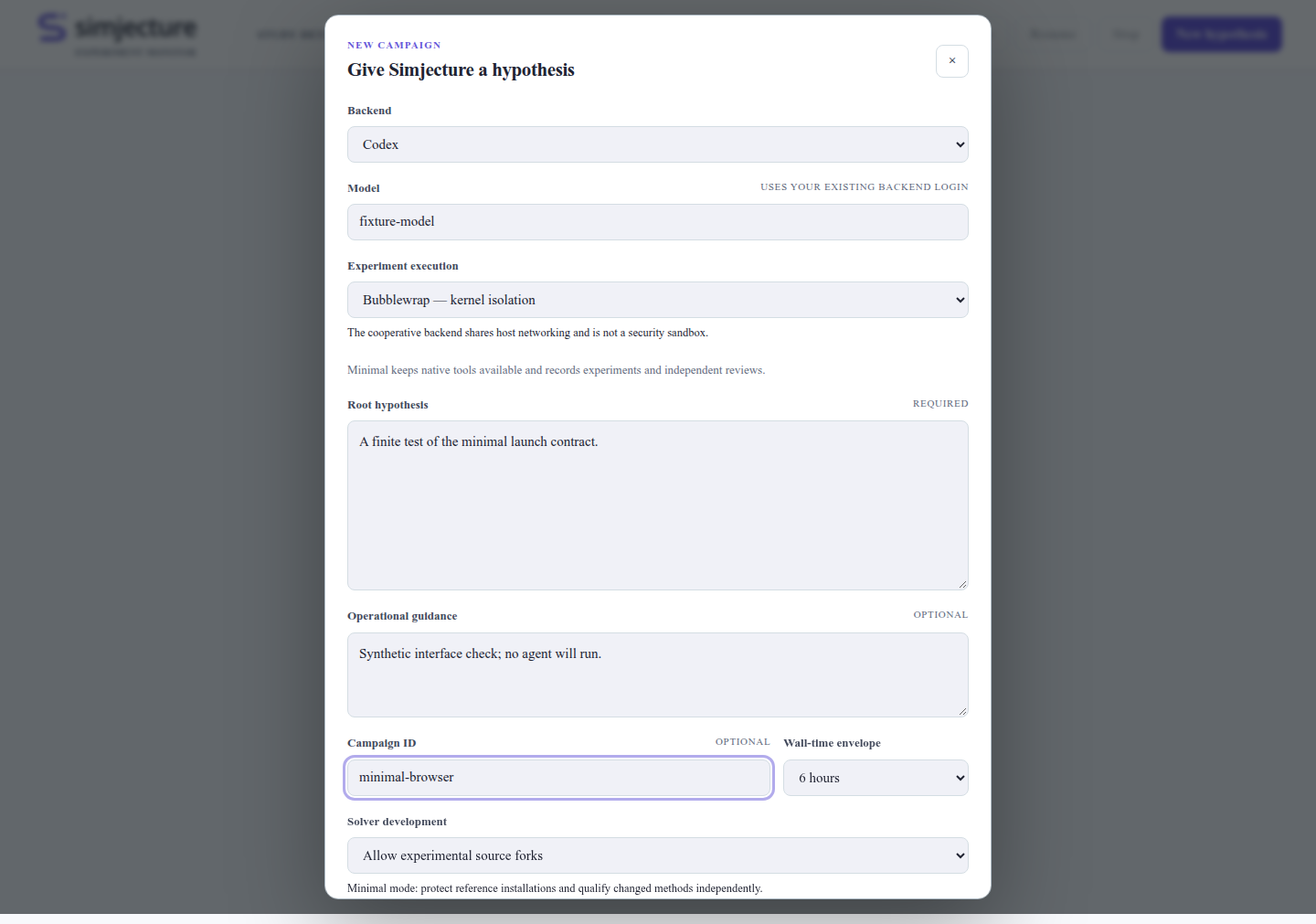
In the workspace, choose a native CLI agent or a configured built-in API agent, open a conversation and prepare a study. The advanced browser and terminal forms also launch minimal studies. The mode selector and legacy resource fields are gone. Native agent backends, the built-in API backend, execution workers, tools, methods review, research director, and answer/repair completion policies remain available.
For a headless launch:
simjecture study --campaign ./runs/new-study \
  --hypothesis-file hypothesis.txt --instructions-file instructions.md \
  --backend codex-glm --model glm-5.3 --wall-seconds 3600
Use your own configured backend and model. For API access, use --backend builtin --model MODEL --provider-config /private/provider.json with the workspace extra.
See headless studies and workspace connections.
The workspace’s built-in API agent does not require DSH or Node.js.
Existing minimal studies retain their saved contracts and deadlines. Continue
using simjecture resume PATH, or repeat the original study command.
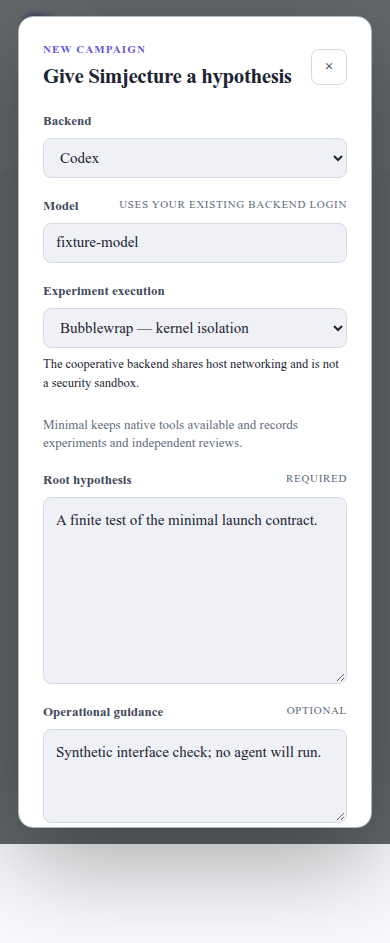
The simplified advanced launch form (synthetic test inputs):
Commands and installations that changed
Previous interface |
Current interface |
|---|---|
|
|
|
Minimal only; omit |
Browser/TUI legacy mode, DSH or legacy API backend |
Minimal study with a native agent, or the workspace built-in API agent |
|
Removed; use |
|
Removed; use |
|
DSH extra removed; use |
Launch archive |
|
The separate MCP protocol and knowledge library remain available. The low-level scientific kernel and its compatibility APIs still support record verification and developer integrations; they are not alternate supported study launch modes. Deterministic benchmarks, schema checks and recorded-demo verification also remain.
Preserve older work
Finish or pause an older workflow before upgrading. Keep a backup and the exact Simjecture version, runtime configuration and dependencies used to run it. The new release rejects launch/resume requests for removed modes with migration guidance; it never rewrites a classical or DSH record as minimal.
Use simjecture status PATH, simjecture web PATH --read-only, or the terminal
dashboard to inspect saved records. Historical claims, artifacts, DSH activity and
usage remain visible. Resume an older workflow only in its original environment.
To investigate the same question in minimal, create a new directory and bring selected notes or files as reference context. The knowledge library can help with that handoff. Previous outputs do not become fresh experiments or accepted evidence in the new study. There is no automatic conversion of legacy contracts, budgets, agent sessions or scientific conclusions.